
Activating a B1G IPTV subscription is usually a straightforward process when you have the correct subscription details and a compatible device. IPTV, or Internet Protocol Television, delivers television content through an internet connection instead of traditional cable or satellite services. However, the exact activation process can vary depending on the IPTV application, device, and instructions provided by the service provider.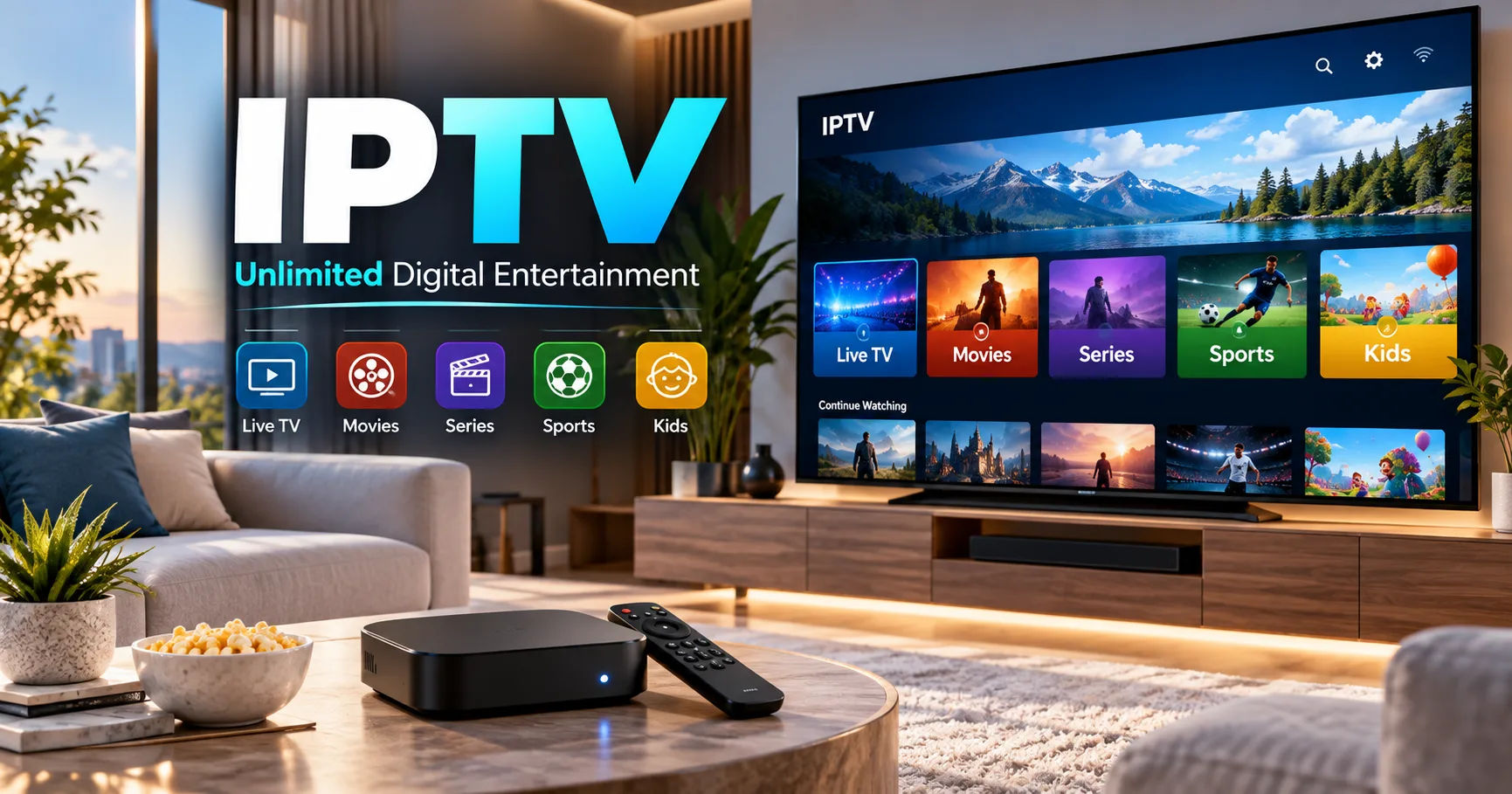
For beginners, the most important steps are to purchase a legitimate subscription, receive the required login information, install a compatible application, enter the credentials correctly, and test the available channels. This guide explains the process in simple language and covers common activation problems, device compatibility, internet requirements, and account security.
What Is a B1G IPTV Subscription?
A B1G IPTV subscription is a service plan that may provide access to television programming through an internet-connected device. Instead of receiving channels through a traditional television signal, IPTV uses internet data to deliver video content.
Depending on the specific plan, the service may support live television, video-on-demand content, sports programming, movies, series, or other features. Available content, supported devices, subscription periods, and streaming quality depend on the provider and the package purchased.
Before activating any service, it is important to make sure that the provider is authorized to distribute the content in your location.
What Do You Need Before Activation?
Before starting the activation process, prepare the information supplied with your B1G IPTV subscription.
A Compatible Device
You may be able to use IPTV on devices such as a smart television, Android TV device, streaming box, smartphone, tablet, or computer, depending on the provider's supported platforms.
Check the provider's current compatibility information before installing an application.
A Stable Internet Connection
IPTV requires a reliable internet connection because video is streamed continuously. A weak or unstable connection can cause buffering, freezing, low-quality video, or unexpected disconnections.
For the best experience, use a stable Wi-Fi connection or, when possible, an Ethernet connection.
Your Activation Details
The provider may supply information such as a username, password, activation code, playlist URL, or another login method.
Keep these details private. Do not post them publicly or share them with unknown people.
How to Activate B1G IPTV Subscription
The activation process normally involves several basic stages. The exact screens can vary according to the device and application.
Step 1: Purchase a Legitimate Subscription
Start by obtaining your subscription from the official B1G IPTV provider or an authorized seller.
After completing the purchase, look for a confirmation email, account dashboard, or message containing your activation information.
Read the instructions carefully because some providers use account credentials while others use an activation code or playlist information.
Step 2: Check Your Subscription Information
Before installing anything, verify that your subscription information is complete.
Check the username, password, activation code, expiration date, and any device restrictions included with your plan.
If your credentials contain capital letters, numbers, or special characters, enter them exactly as provided.
A single incorrect character can prevent successful login.
Step 3: Choose Your Supported Device
Decide where you want to watch your IPTV service.
If you are using a smart television, check whether the provider supports your television model and operating system. If you are using a streaming device, confirm that the required application is available for that platform.
The activation procedure can be different on each device.
Step 4: Install a Supported IPTV Application
If the provider requires a separate IPTV player, install an application that is officially supported by the service.
Use your device's official application store whenever possible. Avoid downloading applications from suspicious websites because unofficial files can create security and privacy risks.
Once the application has been installed, open it and review the available login options.
Step 5: Enter Your Credentials
Select the appropriate login method and enter the details supplied by your provider.
Depending on the service, you might see fields for a username and password, an activation code, or playlist information.
Enter the information carefully.
If the application provides a QR code or activation page, follow the provider's instructions instead of entering information into an unrelated website.
Step 6: Complete the Activation
After entering the correct information, submit the activation request.
The application may take a few moments to connect with the service. If your subscription is active and the information is correct, the available content should appear.
Some applications may require you to restart the application after activation.
Step 7: Test the Service
Once activation is complete, test several channels or other features included with your plan.
Check whether the video loads properly, whether the audio works, and whether the picture quality is acceptable.
Testing the service immediately can help you identify an account or connection problem before you need to use it regularly.
How to Activate on a Smart TV
The process on a smart TV depends on the operating system and the IPTV application.
First, connect your television to the internet. Open its official application store and search for the IPTV player recommended by your provider.
Install the application and launch it.
If the application displays an activation code, follow the provider's official instructions for entering that code. If it requests login credentials, enter the information associated with your subscription.
After activation, allow the application to load the available content.
Some televisions may have limited storage or older software, so updating the television can sometimes improve application compatibility.
How to Activate on Android TV or a Streaming Device
Android TV and similar streaming devices generally provide access to applications through an official app store.
Connect the device to your television and make sure it has a working internet connection.
Open the app store and install the IPTV player recommended or supported by the provider.
Open the application and choose the appropriate login option.
Enter your subscription details and wait for the service to synchronize.
If the application does not recognize your account, check the credentials before attempting repeated logins.
How to Activate on a Smartphone or Tablet
If mobile devices are supported, the process is usually similar.
Install the compatible IPTV application from the official application store. Open the application and enter the account information supplied by your provider.
Some applications allow users to save their login information for future sessions. Only use this option on a personal device that is protected with a secure password or screen lock.
Mobile streaming can use significant amounts of data, particularly when watching high-resolution video. If you are using mobile data instead of Wi-Fi, monitor your data usage.
Common Activation Problems
Even when the correct process is followed, activation may occasionally fail.
Incorrect Username or Password
The most common problem is entering incorrect credentials.
Check for accidental spaces, incorrect capitalization, or missing characters. If you copied the information from an email, make sure you did not accidentally copy additional spaces.
Expired Subscription
An expired subscription will normally prevent access to protected content.
Check the subscription status in your provider account or contact the official provider if the expiration date does not appear clear.
Device Limit Reached
Some IPTV services limit the number of devices that can use one account.
If the account is already active on the maximum number of permitted devices, you may need to remove an old device or contact the provider.
Do not attempt to bypass device restrictions.
Application Compatibility
An application may not work correctly if it is designed for a different operating system or outdated device.
Check whether your device and operating-system version are supported.
Updating the device and application may resolve compatibility issues.
What to Do If IPTV Keeps Buffering
Activation and streaming quality are two different issues.
If your account activates successfully but video constantly buffers, first check your internet connection.
Restart your router and device. If possible, move the device closer to the router or use an Ethernet connection.
Other devices using the same network can also affect available bandwidth. Large downloads, cloud backups, online gaming, and multiple video streams may reduce performance.
If your internet connection works normally with other services but the IPTV service continues buffering, contact the provider through its official support channel.
How to Keep Your IPTV Account Secure
Account security should not be overlooked.
Use a unique password whenever the provider allows you to create one. Avoid sharing your login details through public forums, social media posts, or messaging groups.
Only enter credentials on the provider's official website or within the supported application.
Be cautious of websites promising free activation codes or extremely cheap subscriptions. Such offers can expose users to scams, malware, or unauthorized services.
Keep your television, streaming device, smartphone, and IPTV application updated when updates are available from legitimate sources.
Is a VPN Required?
A VPN is not automatically required to activate an IPTV service.
Whether a VPN is appropriate depends on your location, network, privacy preferences, and the provider's terms. A VPN does not make unauthorized access to copyrighted content legal.
If you use a VPN, choose a reputable service and understand that it can sometimes reduce connection speed or affect streaming performance.
For account or activation problems, disabling a VPN temporarily can also help determine whether the network configuration is causing the problem.
Tips for a Better Streaming Experience
A few simple practices can improve IPTV performance.
Use a stable internet connection and keep your streaming device updated. When possible, use Ethernet for devices that remain in one location.
Avoid running unnecessary bandwidth-heavy applications while streaming.
Keep the IPTV application updated through the official source supported by your device.
If your device has limited storage, removing unnecessary applications can also help maintain normal performance.
Finally, use only services and content that you are legally permitted to access in your location.
Frequently Asked Questions
How long does activation take?
Activation can be completed within minutes when the subscription is active and the correct login information is available. Some providers may require additional account verification.
Why is my B1G IPTV subscription not working after activation?
Check your username, password, subscription status, device compatibility, and internet connection. If all information appears correct, contact the provider's official support team.
Can I use the subscription on multiple devices?
That depends on the subscription plan. Some services allow multiple devices, while others restrict simultaneous connections or the total number of registered devices.
Do I need a special IPTV box?
Not necessarily. Depending on the provider, IPTV may work on a compatible smart TV, Android TV device, smartphone, tablet, computer, or streaming device.
Can I activate IPTV without an internet connection?
No. IPTV depends on an internet connection to retrieve and stream content. You need internet access for both activation and normal streaming.
Conclusion
Activating a B1G IPTV subscription generally involves obtaining a legitimate subscription, checking the supplied credentials, using a compatible device, installing the appropriate application, entering the activation information, and testing the service.
The exact process can vary between devices and applications, so the provider's official instructions should always take priority. If activation fails, check the account details, subscription status, device compatibility, and internet connection before contacting official support.
Good streaming also depends on more than successful activation. A stable network, updated software, secure account credentials, and a supported device can make the overall experience more reliable.
Most importantly, use IPTV services and content in accordance with applicable laws and the provider's terms. Taking these precautions allows you to set up your service more safely and troubleshoot common problems without relying on unofficial activation methods.